
 Play now
First Steps
First Steps
Create your account
Create an account on the Create Account page.
Start the game
Q-pea runs in its own game client. Start the client from the Play page and log in with your username and password.
Design your character
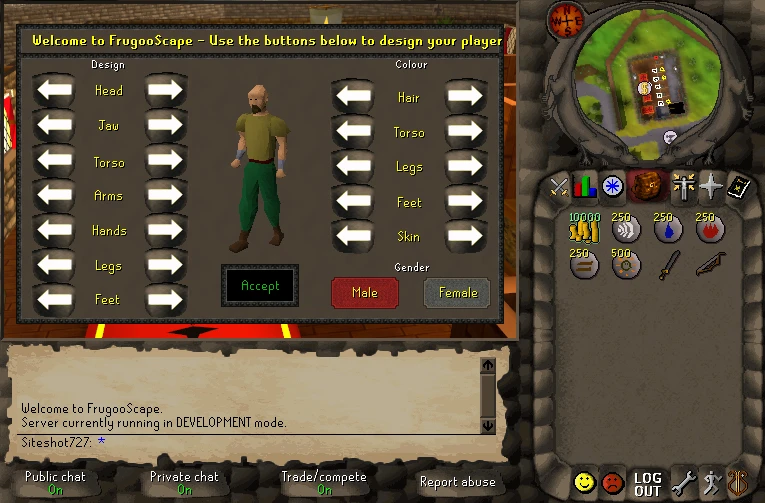
The first time you log in, you choose how your character looks. Click the arrows to change each part, then click Accept.
Your first steps
You start in Varrock, beside the west bank. Every player plays on one world, and there is no tutorial.
What you start with in your pack
| Item |
|---|
 10000 x Coins 10000 x Coins |
 250 x Air rune 250 x Air rune |
 250 x Water rune 250 x Water rune |
 250 x Fire rune 250 x Fire rune |
 250 x Earth rune 250 x Earth rune |
 500 x Mind rune 500 x Mind rune |
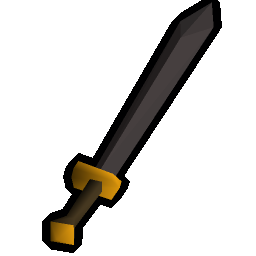 Iron 2h sword Iron 2h sword |
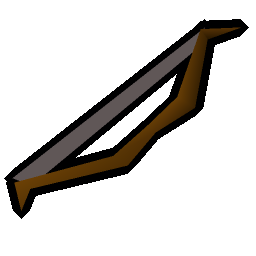 Shortbow Shortbow |
What you start wearing
| Item |
|---|
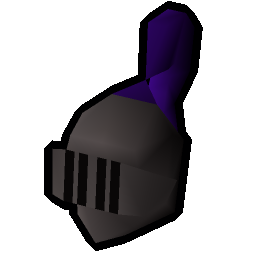 Iron full helm Iron full helm |
 Iron platebody Iron platebody |
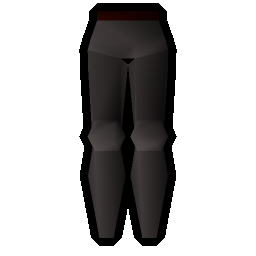 Iron platelegs Iron platelegs |
 Iron longsword Iron longsword |
 Iron kiteshield Iron kiteshield |
 Amulet of strength Amulet of strength |
 Iron boots Iron boots |
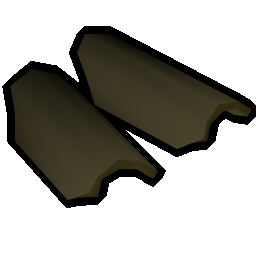 Leather vambraces Leather vambraces |
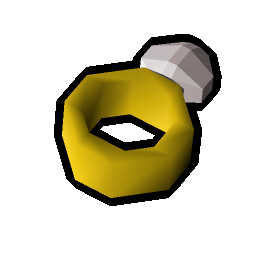 Ring of life Ring of life |
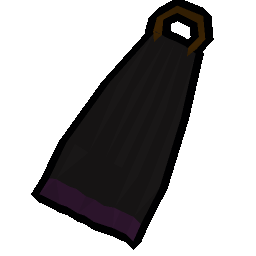 Cape Cape |
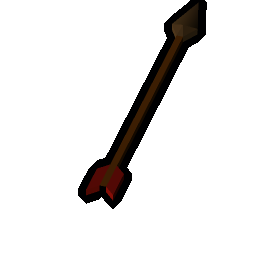 750 x Bronze arrow 750 x Bronze arrow |
The quest tab lists the commands you can type in the chat box.
Commands you can type
| Command | What it does |
|---|---|
| ::ranarmor | Equip a random item in every slot |
| ::ranmage | Equip random magic gear and take every rune |
| ::ranrange | Equip random ranged gear, a ranged weapon and its ammo |
| ::ranmelee | Equip random melee gear and a special attack weapon |
| ::raninv | Fill your inventory with random food and potions |
| ::ranbank | Fill your bank with random items |
| ::ranbook | Switch to a random spellbook |
| ::ranstats | Set every skill to a random level |
| ::ranall | Randomize your bank, equipment, stats and inventory |
| ::cleanbank | Empty your bank |
| ::cleaninv | Empty your inventory |
| ::home | Teleport home |
| ::players | Show how many players are online |
| ::commands | Show every command you can use |
| ::osrssync | Bring your OSRS progress here |
Where to go next
The Manual covers the controls, the skills and the rules. The News page lists every day's changes to the game.