
 Play now
New items, regions and emotes join the game, with HD graphics
New Items
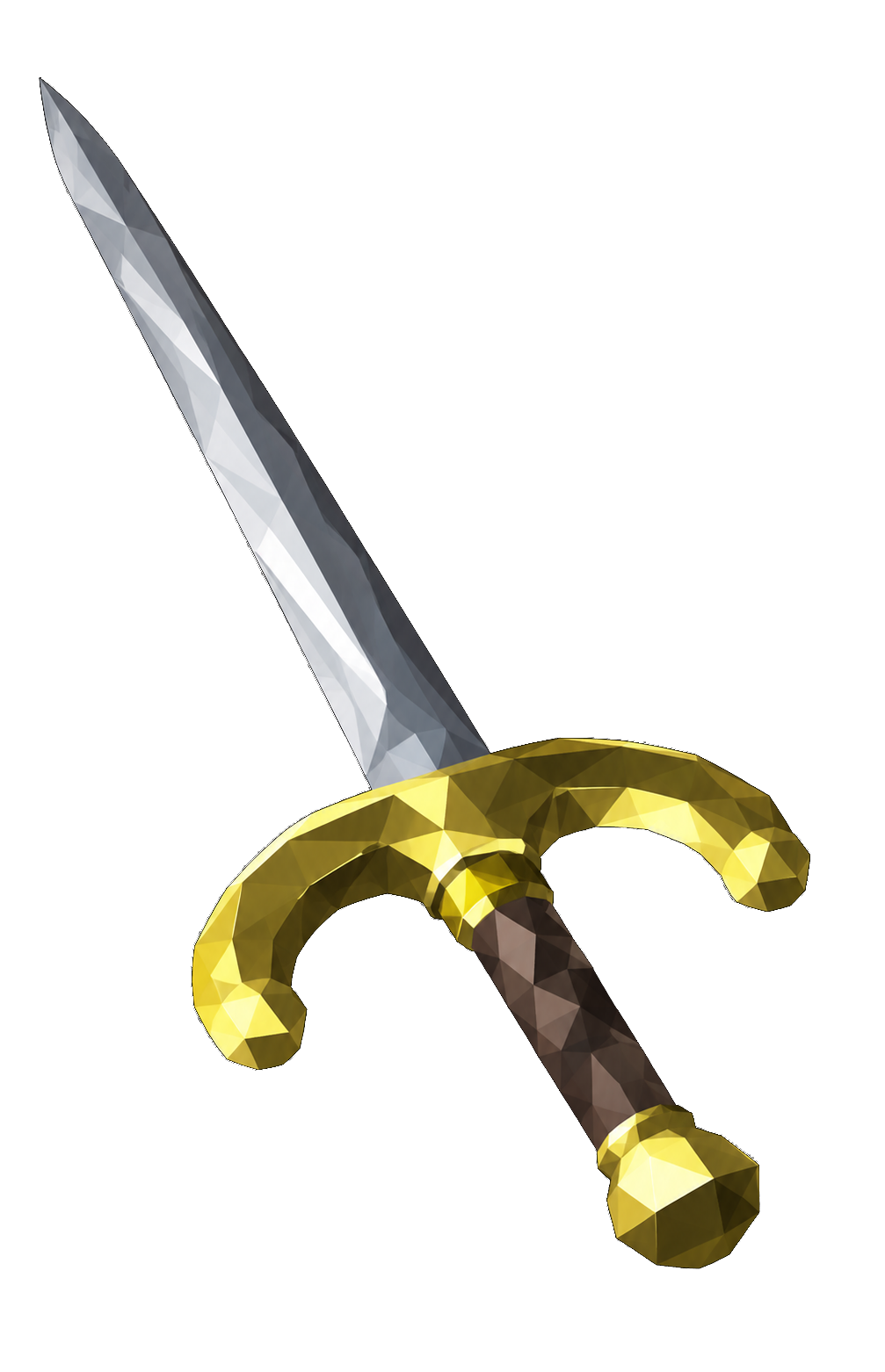
11,980 items join the game, with their noted forms and their looks when worn.
Weapons
- New weapons animate when you stand, walk, run, attack and block with them.
- Blowpipes, chinchompas and other new ranged weapons no longer attack in melee.
- New arrows and bolts work like rune arrows and bolts.
Looks
- Lava and other moving textures scroll, on the infernal cape among them, and their inventory icons move too.
- The dramen branch, magic logs, magic pyre logs and fire cape take a new look with a moving texture.
- Large monsters such as Vorkath, Vorki and Sarachnis no longer vanish.
- New equipment bends with your body as you move.
- Villager robes sit in the legs slot, and wizard robes cover the body, with no arm showing through.
Trophies are wearable with their own stance. Sailing cargo crates are carried in both hands.
The World Grows
The world gains 2,279 regions, such as Varlamore and Aldarin.
- Every door, gate and curtain in the new areas opens.
- Every booth, chest and NPC with "bank" in its name opens the bank. A banker's Talk-to opens the banker dialogue.
Developers can travel with ::tele, and ::coords shows where they stand.
New Emotes and Camera Zoom
The game has 53 new emotes and 27 skillcape emotes, each cape with its graphic.
- The emote tab lists 46 new emotes under Rabbit hop, in two columns, such as Run on the spot, Star jumps, Push-ups and Sit-ups.
- ::emote followed by a name plays that emote with its graphic, and ::emotes lists the names.
- Every emote on the tab has a Loop option in its right-click menu. A looping emote repeats until you move.
- Emotes hide your weapon and shield while they play.
Animation and camera
- Players and NPCs move smoothly between animation frames.
- The mouse wheel zooms the camera over the game view, from half the usual distance to one and a half times it.
Wilderness
Teleports work at every Wilderness level. Tele Block still stops them.
HD Graphics and Plugin Settings
The game can now draw the world in HD on your graphics card, with better lighting, shadows and materials. The classic look stays for computers without a graphics card.
- HD shows the world up to 50 tiles away, where the classic look stops at 25. You can click every tile you see.
- Bridges draw at their own height in HD.
- New textures draw in HD with materials.
Plugin Settings
The settings tab's title is a Plugin Settings button. Its Client page picks the classic look or HD, from your next start.
The GPU page sets draw distance, shading, anti-aliasing, fog and the other HD settings with checkboxes, sliders and choices. A change applies at once.
The Map of Gielinor and the Live Minimap
The Map of Gielinor is an item. Its Check option opens the world map over the game view.
- The + and - keys change the floor, and the lowest floor shows the basements and dungeons.
Live minimap
The minimap shows the world around you as it happens. Players, NPCs and items on the ground show as small figures with an outline, under roofs and trees too.
- Outlines: white for players, green for friends, blue for team mates, yellow for NPCs and red for items.
- An opened door or a felled tree shows on the minimap as it happens.
- The mouse wheel over the minimap zooms it from 2.7 times in to 2.5 times out.
- "Live minimap" on the Client settings page, or ::liveminimap, turns the live view on or off.